The daily tracking and communication app between nurseries and parents
The team shares arrivals, meals, naps and photos in a few taps. Every parent follows their child's day straight from their phone. Photos are shared in line with parental consent.
1st month free, then 100 DH excl. VAT per child per month · iPhone, Android and web
08:42. Lina has arrived. Her mum already knows.
Example: Salma, an educator, records Lina's and Adam's arrival, their lunch and a photo of the two; each family receives only its own child. Lina's mother receives each moment of Lina's day on her phone. In the evening, the class's note of the day and a personal note for Lina arrive in her messages, and she replies to Salma.
Day 1
08:42
12:10
15:20
18:30
Team sideSalma, educator
18:30
KidLink Pro
Create your nursery space
Nursery nameLes Coquelicots
CountryMorocco
Free month until 15 Dec
Create my nursery
Les Coquelicots nursery · Tuesday
Arrivals
2/3
LILinaTo welcome
ADAdamTo welcome
YOYoussefUnwellAbsent
Record 2 arrivals
Les Coquelicots nursery · Tuesday
Lunch
For the children here today
LILinaAte well
ADAdamAte well
YOYoussefUnwellAbsent
Record for 2 children
Les Coquelicots nursery · Tuesday
Building blocks
In the photo: Lina, Adam
Only Lina's and Adam's families can see it
Share with the 2 families
Evening recap · Les Coquelicots
Today's noteChildren
10:20 · Circle time
A song about the seasons; everyone showed a leaf they had picked up.
12:00 · Meal
Vegetable couscous; almost everyone cleared their plate.
Personal note · LinaLina built a tower with Adam.
Sent to families at 18:30
New message · Lina's mumThank you Salma, see you tomorrow!
Family sideLina's mum, at work
18:30
18:30Tuesday
Tuesday
Lina
At the nursery since 08:42
Lina's day
08:42 · ArrivalWelcomed by Salma
12:10 · MealAte well
15:20 · Building blocks
SASalma, educator
1/2
Personal note
Lina built a tower with Adam.
Today's note
10:20 · Circle time
A song about the seasons; everyone showed a leaf they had picked up.
Read more · 1 moment
To bring tomorrow
Nappies, a change of clothes
Thank you Salma, see you tomorrow!
Reply to Salma
KLKidLink ProLinaLina arrived at 08:42
KLKidLink ProEvening recapLina's day is ready
Lina
Adam08:42 · Arrival
The nursery signs up
The team takes notes
The family receives them
Fictional example · Les Coquelicots nursery
Three steps to connect your nursery with its families
1
Create your nursery.
The nursery's name, the country, your account: a few minutes. Add your groups and your children, one by one or from a CSV list, with a preview before the import. Then invite your team and the families.
2
The team notes the day.
Arrivals, meals, naps, nappy changes, activities, photos: select the children, record once.
3
Families receive it.
On their phone, a parent sees their child's arrival, the moments of the day, the photos their child is in, the evening recap, and can reply to the team.
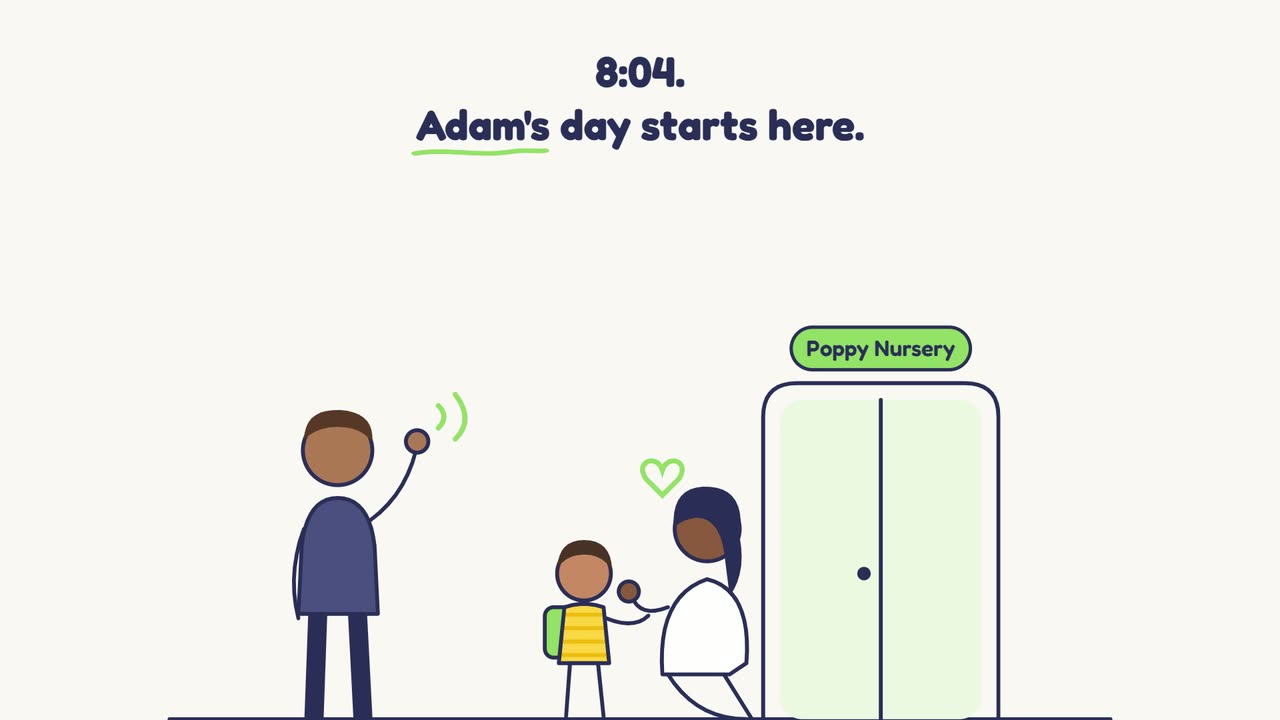
Adam's day in 100 seconds
From drop-off at 8:04 to the evening recap: what Nadia records at the nursery, and what Thomas, his dad, sees on his phone.
Sound effect "Pop, High, A" by InspectorJ (freesound.org), CC BY 4.0.
A day at Les Coquelicots nursery
A nursery day, surprises included
Tuesday at Les Coquelicots nursery. Six moments where the app makes the difference, for the team and for the families.
08:15 · Arrival
Six families at the door at once.
Team what they do
Salma ticks the children as they come in and saves once. A mistake is fixed with "Undo".
Family what they receive
Lina's mother gets "Lina arrived at 08:42" before she reaches the office.
08:16
Les Coquelicots nursery · Tuesday
Arrivals
6/8
LILinaArrived08:14
ADAdamArrived08:14
YOYoussefArrived08:15
AMAmineArrived08:15
INInèsTo welcome
Arrivals saved: 6Undo
10:20 · Circle time
No signal in the classroom.
Team what they do
Salma adds the "Circle time" moment to Today's note. It stays on her phone and goes out as soon as the signal is back, never twice.
Family what they receive
Nothing lost: tonight, the moment will be in the recap.
10:21
Offline · 1 pending
Today's note
Every family in the class will read it tonight.
10:20 · Circle time
A song about the seasons; everyone showed a leaf they had picked up.
Pending sync
Add a moment
12:00 · Lunch
A milk dessert, and Adam is allergic.
Team what they do
Today's menu shows the children with a recorded allergy. The meal is recorded once for the children present.
Family what they receive
Adam's parents see what he ate.
12:00
Les Coquelicots nursery · Tuesday
Today's menu
StarterCarrot salad
MainVegetable couscous
DessertMilk flan
Allergies: Adam (milk)
Lunch · for the children present
Save for 7 children
15:00 · The workshop
One photo, three families, three outcomes.
Team what they do
Salma tags Lina and Adam in the workshop photo.
Family what they receive
Lina's and Adam's families receive it. Youssef isn't in it: his family receives nothing.
15:02
Les Coquelicots nursery · Tuesday
Painting workshop
In the photo: Lina, Adam
LILina's familyReceived
ADAdam's familyReceived
YOYoussef's familyNot in the photoNothing
16:50 · The door
Grandma Fatima comes to pick up Lina.
Team what they do
The educator at the entrance alerts the class; Fatima is on the parents' list of authorised people. Salma replies "On my way".
Family what they receive
Lina's parents know who picked her up, and at what time.
16:50
Les Coquelicots nursery · Tuesday
Grandma Fatima is waiting at the door for Linaauthorised
Sent by the entrance
FAFatimaGrandmother · authorised
MDMum, DadParents
On my way
18:30 · Evening
The day arrives in their messages.
Team what they do
Today's note, written moment by moment, goes out at the time the management chooses.
Family what they receive
Lina's mother reads the recap, sees her photos, and replies "Thank you Salma, see you tomorrow".
18:34
SASalma, educator
1/2
Personal note
Lina built a tower with Adam.
Today's note
10:20 · Circle time
A song about the seasons; everyone showed a leaf they had picked up.
Read more · 1 moment
To bring tomorrow
Nappies, a change of clothes
Thank you Salma, see you tomorrow!
Reply to Salma
08:44
Les Coquelicots nursery · Tuesday
Arrivals
9/12
LILina08:42
ADAdam08:42
YOYoussefTo welcome
AMAmineDoctor's appointment10:00
For the team
Daily records for every child, made for the classroom
A phone in one hand, a child in the other: every screen takes a single tap.
All the arrivals at once.Tick the children at the door, record. The group count updates; a mistake is fixed with "Undo".
The journal for the whole group.Meals, naps, nappy changes, mood, activities: note it once for several children, and each one keeps their own line.
Even without a connection.No signal in the classroom? Entries stay on the phone and go out as soon as the connection is back, with no duplicates. Photos wait for a connection.
Someone is waiting at the door.A parent arrives to pick up their child: the group's team is notified, and one of them replies "On my way".
The evening recap, prepared during the day.The evening recap, written as the day goes. A moment after each activity for the class's Today's note, a personal note when there is something to say, what to bring tomorrow. It arrives in each family's messages at the time the management chooses.
Your whole team, at no cost.Add all your educators: you pay per child, never per account.
18:34
SASalma, educator
1/2
Personal note
Lina built a tower with Adam.
Today's note
10:20 · Circle time
Read more · 1 moment
To bring tomorrow
Nappies, a change of clothes
Thank you Salma, see you tomorrow!
Reply to Salma
For families
Parents follow their child's day on their phone
Parents no longer need to call the nursery to find out how things are going.
Told on arrival.A notification as soon as their child's arrival is recorded, with the time.
The day, in order.Meals, naps, activities and photos are added as the hours go by.
The evening recap.If the nursery turns it on: every evening, in their messages, the class's Today's note, their child's photos and what to bring tomorrow. They reply right below.
Who can pick them up.Parents keep their child's emergency contacts up to date and choose who can pick them up. The team has the list right there at the door.
Messages.A question, an absence to report: the parent writes to the team, in private.
Menus.The week's menu, published by the nursery.
In French or Arabic.Each parent chooses their language; Arabic reads right to left. Thirteen languages in all.
Parents give or refuse photo consent for their child. KidLink Pro applies it to every send.
Photo consent for each child.A family sees a photo only if their child is tagged in it and every tagged child has their parents' photo consent. Otherwise, the photo is held back.
Each family sees their own child.A child's journal, photos and messages stay between their family and the team.
Each nursery, its own data.Your nursery's data is kept separate from other nurseries' data, right down to the database.
Hosted on Microsoft Azure, in Europe.Our privacy policy explains our providers, the processing and your rights.
Withdrawing consent takes effect.If a parent withdraws consent, access changes in KidLink Pro. Copies already downloaded and screenshots cannot be erased.
Each invoice counts the children active during the month of service. It is sent 5 days before the end of the month and is due within 10 days.
Example: a nursery created on 16 November
Created 16 Nov
Free until 15 Dec
1st paid month: 16 Dec to 15 Jan
Invoice on 10 Jan
Due by 20 Jan
Questions
What nursery directors ask before they start
100 DH excl. VAT per child per month, which is 120 DH incl. VAT. The first month is free, starting when you create your nursery. Your team is never charged.
By bank transfer. Each month, on your nursery's start date, you receive an invoice 5 days before the end of the month of service; it is due within 10 days. Use the invoice number as the transfer reference.
Every child active during the month of service, up to the invoice date. A child who joins in the last few days goes on the next invoice.
We send you a reminder. If two invoices remain unpaid after their due date, the nursery's access is suspended until payment. Nothing is deleted, and parents can still download their data.
Yes, on iPhone and Android, for the team and for families. On a computer, everything works in the browser, with nothing to install.
Yes. Each person chooses their language; Arabic reads right to left. The app is available in thirteen languages, including French.
Their child's day: arrival and departure, meals, naps, activities, the photos where their child is tagged with the photo consent of every family involved, the evening recap if the nursery has turned it on, their child's emergency contacts, and their messages with the team. Never the other children.
Entries stay on the phone and go out when the connection is back, with no duplicates. Photos need a connection.
Add children one by one or import a CSV list: you see a preview of the names and dates of birth before anything is created. Then invite each family.
On Microsoft Azure, in Europe. Our privacy policy explains our providers, the processing and your rights.
The dirham offer is for nurseries in Morocco. For a nursery in Europe, write to us at support@kidlinkpro.com.
Open your nursery on KidLink Pro today
Create your space, add a group and a few children, invite a family: you will see the day arrive on the other side. The first month is free.